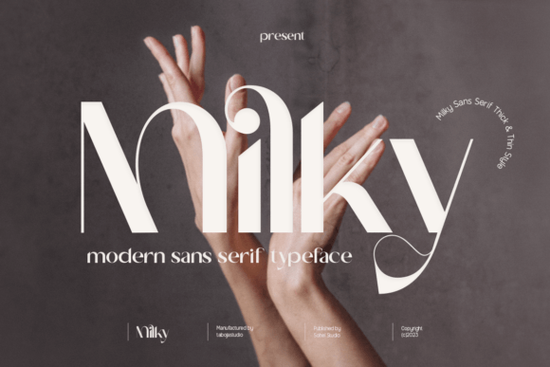
If you’re looking for a sans serif font that balances bold presence with delicate detail, the Milky Font is worth checking out. It’s designed with alternating thick and thin strokes in each letter, giving your text visual rhythm without losing clarity or impact. Whether you’re designing logos, social media graphics, or product packaging, this typeface adapts well across both print and digital formats. Many designers find it especially useful for branding projects where personality and readability need to coexist.
What makes Milky Font stand out from other display fonts?
Unlike many display fonts that lean heavily into either boldness or elegance, Milky finds a middle ground. Each character carries weight where it counts like in stems and crossbars while tapering gracefully in curves and terminals. This contrast creates movement on the page, helping headlines catch attention without overwhelming the viewer.
- Modern yet approachable Clean lines keep it contemporary, but subtle stroke variation adds warmth.
- Versatile sizing Looks sharp at large sizes for posters or banners, and still holds up in smaller applications like tags or labels.
- OpenType ready If you use Adobe Illustrator, Photoshop CC, InDesign, or CorelDraw, you’ll have access to alternate glyphs and stylistic sets for more customization.
You can explore how it compares to similar styles in the sans serif fonts collection, which includes options if you want something even bolder or more minimalist.
Who should consider using Milky Font?
This font works especially well for:
- Small business owners creating their own marketing materials think flyers, Instagram posts, or shop signage.
- Crafters and print-on-demand sellers who design t-shirts, mugs, or tote bags and need typography that photographs well.
- Hobbyist designers experimenting with personal projects like zines, greeting cards, or wall art.
- Branding professionals seeking a distinctive but not overly decorative option for client identities.
It’s not meant to replace body text fonts its display nature means it shines best when used sparingly for emphasis. But within that role, it delivers consistency and charm.
How do I get the most out of Milky Font’s features?
To unlock all the stylistic alternates and glyph variations, you’ll want to work in software that supports OpenType. Programs like Adobe Illustrator or InDesign let you toggle between different letterforms, so you can fine-tune spacing or swap in swash characters for extra flair.
If you’re new to OpenType features, don’t worry most of the time, the default version will look great right out of the box. The advanced controls are there if you want them, not because you need them. For quick edits in Canva or similar tools, you’ll still get solid results, just without the extended character set.
For reference, you can see how it stacks up against other releases by browsing Milky Font directly on Creative Fabrica.
Any tips for pairing Milky Font with other typefaces?
Because Milky has such clear contrast between thick and thin strokes, it pairs beautifully with simpler, monoline sans serifs or clean slab fonts. Think of it as the statement piece let it lead as your headline font, then support it with something neutral for body copy.
A few safe combinations:
- Milky + Montserrat (free Google Font) modern meets minimal
- Milky + Lora adds a touch of editorial sophistication
- Milky + Barlow Condensed great for layered layouts or tight spaces
Avoid pairing it with other high-contrast display fonts that can create visual noise. Let Milky be the star, and choose supporting fonts that recede politely into the background.
Where can I use Milky Font commercially?
The license typically allows for commercial use, including physical products (like apparel or stationery), digital templates, and client work. Always double-check the specific license terms after purchase, but generally, you’re covered for most small business and freelance scenarios. No attribution required, which is handy if you’re batch-producing designs.
One thing to note: if you plan to embed the font in an app or web font service, you may need an extended license. For standard graphic design uses logos, prints, social media the regular license should suffice.
Before you download, here’s a quick checklist:
- ✅ Confirm your design software supports OpenType features if you want full glyph access.
- ✅ Decide whether you need the font for personal or commercial use (both are usually covered).
- ✅ Consider downloading a sample first some platforms offer test versions to preview before buying.
- ✅ Pair it with a simple secondary font to avoid overcomplicating your layout.
Start with one project maybe a seasonal sale banner or a new logo draft and see how the font behaves in your workflow. Its balanced structure often surprises users by how easily it slots into existing designs without needing heavy tweaking.
Learn More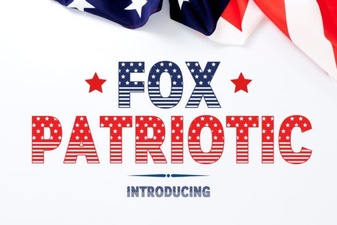 Fox Patriotic Font Designs & Uses
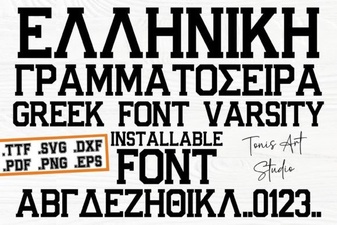 Greek Varsity Font for Retro Design Projects
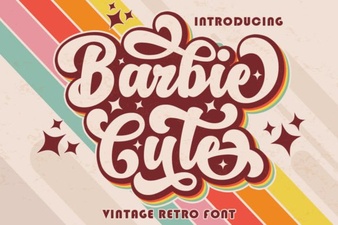 Barbie-Inspired Fonts for Fun Digital Projects
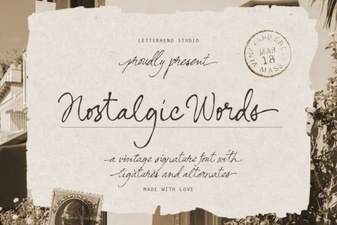 Nostalgic Fonts for Creative Projects & Designs
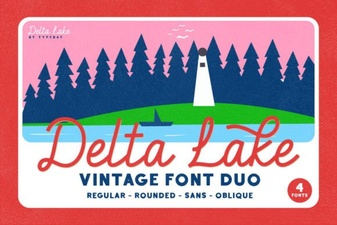 Delta Lake Font: Free Download & Creative Uses
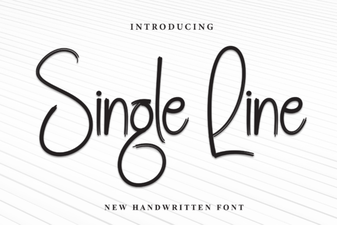 Single Line Fonts for Clean, Minimalist Digital Design